Tip Terminal
A tip terminal for cashless tipping — without “sorry, I don’t have cash.”
Show your Tip QR. The person tipping you picks an amount and pays with Apple Pay, Link, or a supported card right in their browser. No cash, no app, no “I’ll get you next time.”
Watch: share a tip link, QR code, and records
How it works
- 1
Open or share your Tip Terminal
Share the customer-facing Tip Terminal by link or QR code. A QR code works well on a stand, sign, screen, or phone; anyone can scan it with their camera.
- 2
They pick an amount
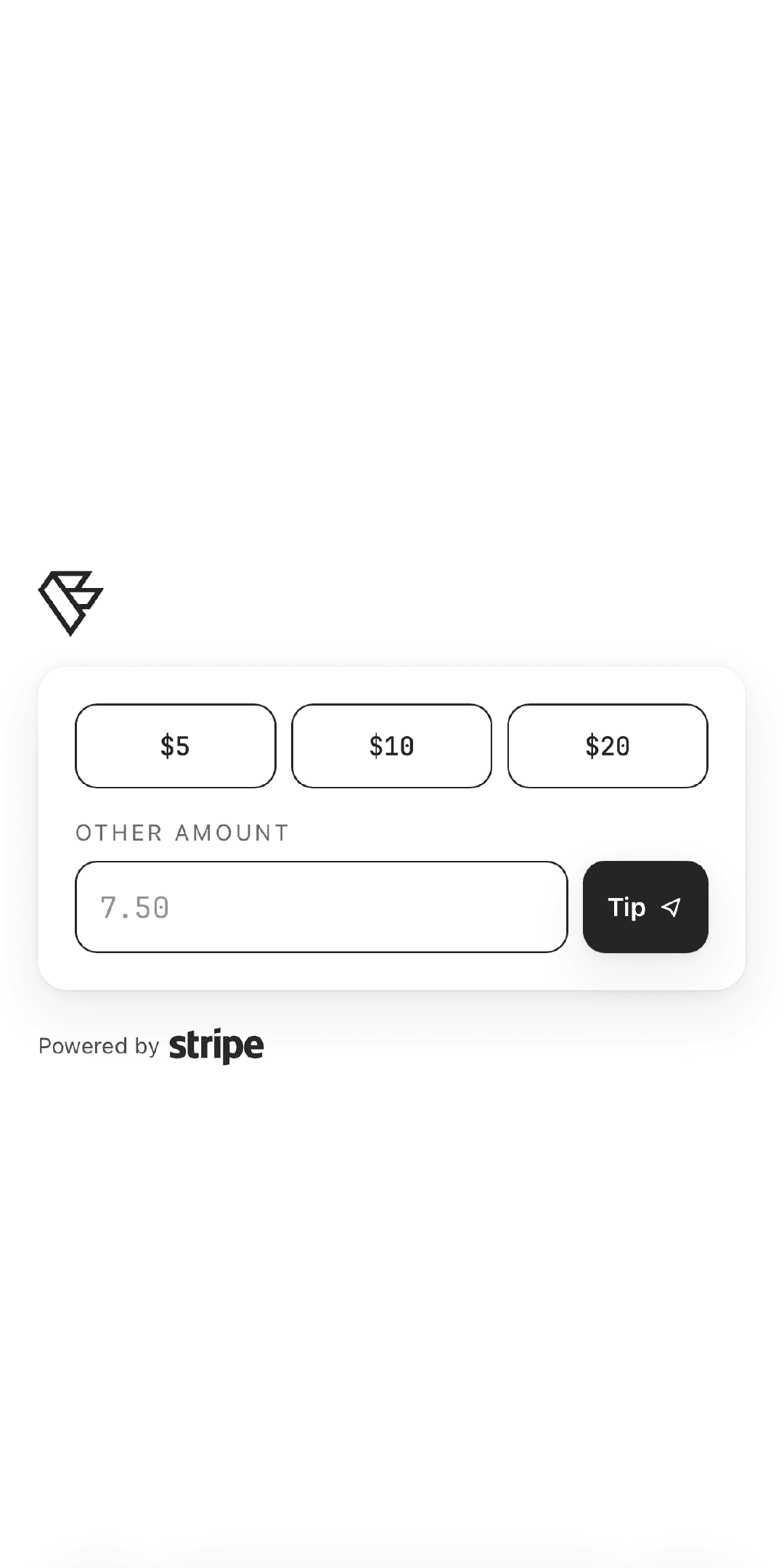
A clean checkout opens in their phone browser and they choose how much to tip. No Valetfy app, account, or sign-up.
- 3
They review and pay
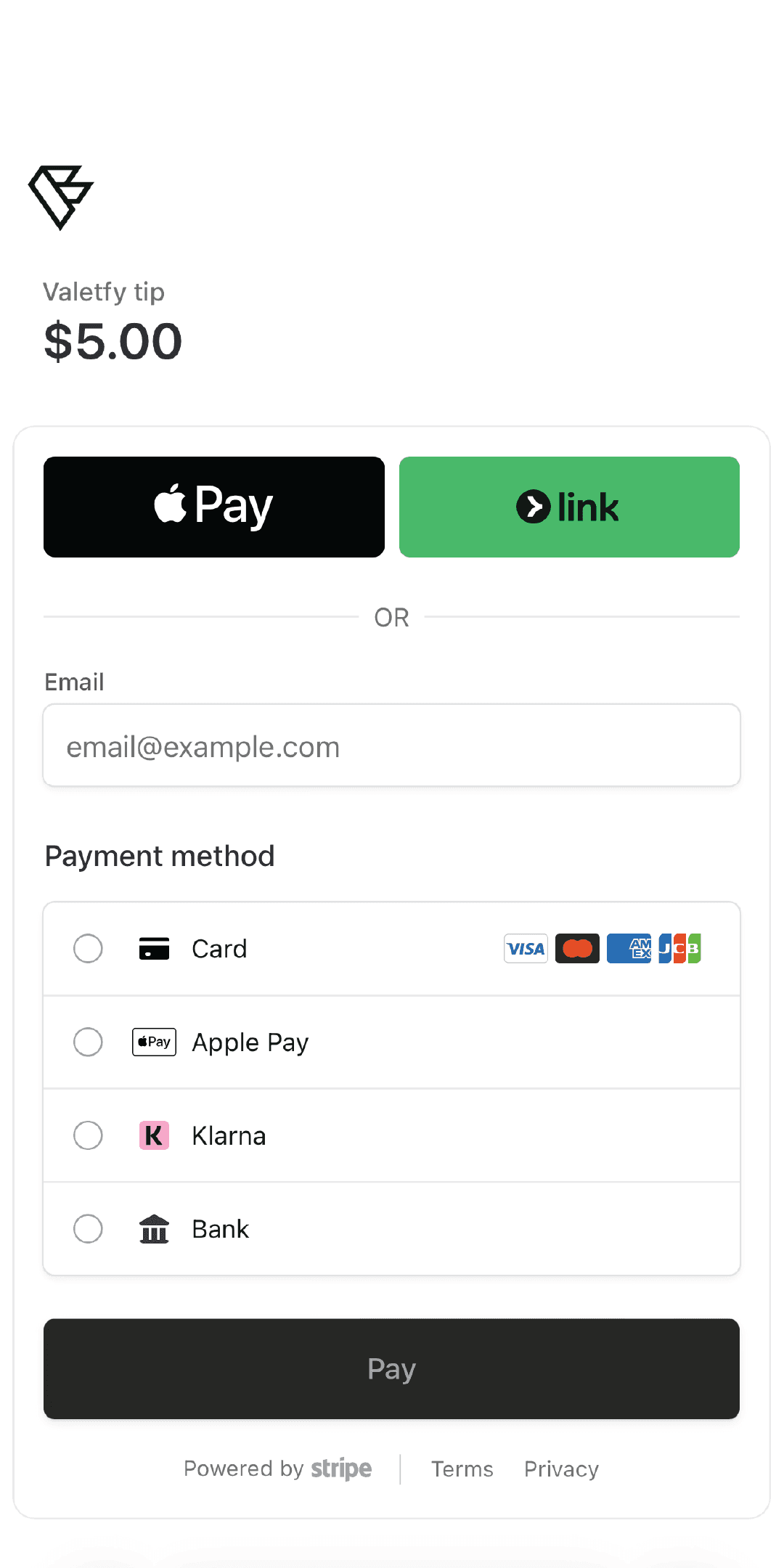
They review the amount and approve a supported card or wallet payment. The tip settles to your connected account through Stripe.

Show
What your customer sees
The person tipping you never downloads anything. They open your Tip Terminal by link or QR code, a browser checkout opens, they choose a tip, and approve payment with a supported card or wallet. Valetfy shows the payment status and Stripe payout records.
- 1Show your QR
- 2They pick an amount
- 3They choose a supported method
Frequently asked questions
- Do they need an app to tip me?
- No. They open your Tip Terminal by link or QR code, their phone browser opens a checkout, and they pay. Nothing to download, sign up for, or remember.
- What can they tip with?
- Customers can pay with Apple Pay, Link, or a supported card. Checkout shows the options available to that customer before they approve.
- Do I need a card reader or hardware?
- No. You do not need a card reader or other hardware. Open or share your Tip Terminal by link or QR code, and customers complete the tip in their browser.
- How fast do I get the tip?
- Tips settle to your connected Stripe account and pay out on Stripe's normal schedule. You can track every tip and payout from your Valetfy wallet.
Keep exploring
Open a terminal. Let them pay.
No hardware, no app for your customer, payments processed by Stripe.
Start getting paid